

322
分类:
技术
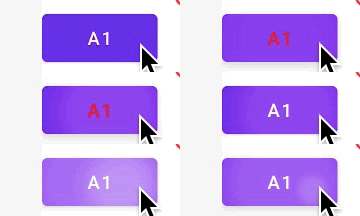
简介:示例drawable部分<?xml version="1.0" encoding="utf 8"?>
<selector xmlns:android="http://schemas.android.com/apk/res/android">
<! 按钮被点击时 >
<item
android:state_pressed="true"
android:color="#ff0000"></item>
<! 按钮默认状态 >
<item
android:color="#fff"></item>
</selector>
297
分类:
技术
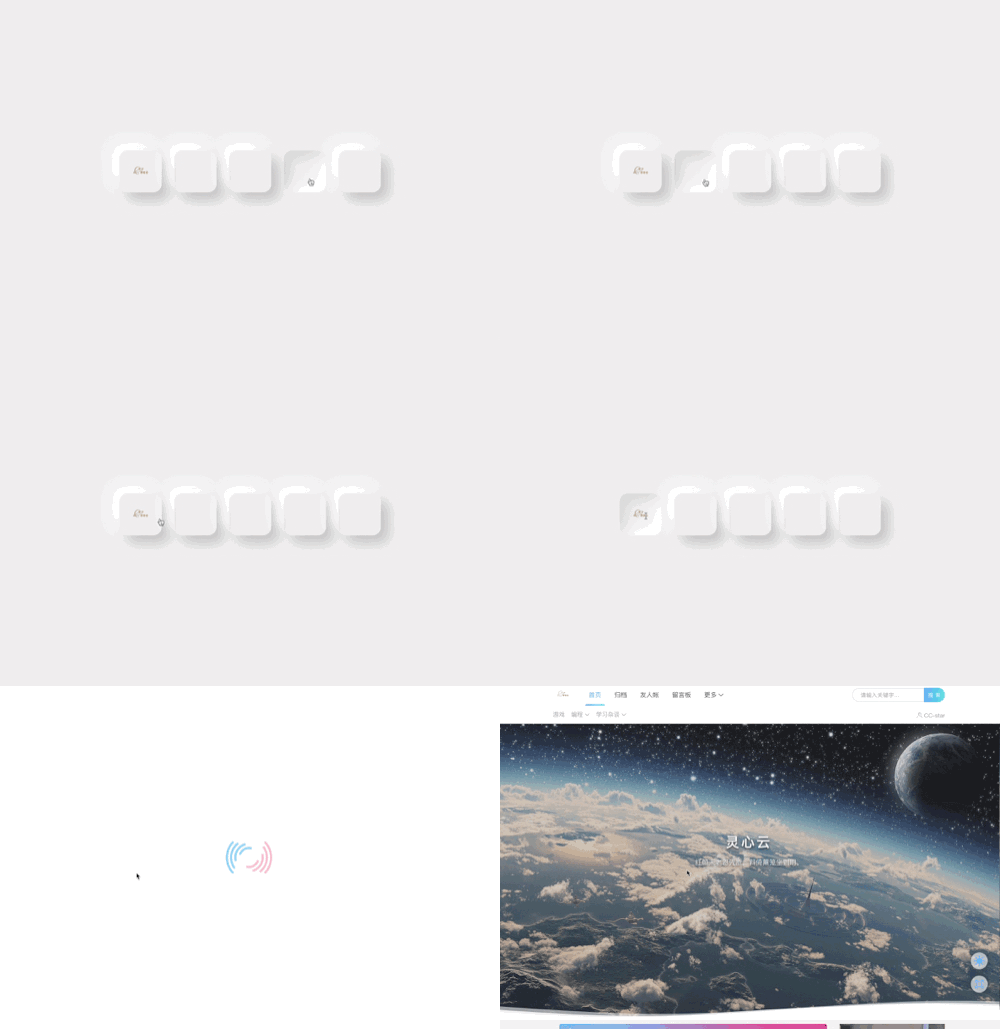
简介:示例代码<!DOCTYPE html>
<html lang="en">
<head>
<meta charset="UTF 8">
<meta http equiv="X UA Compatible" content="IE=edge">
<meta name="viewport" content="width=device width, initial scale=1.0">
<title>星鹿语</title>
<style>
body {
margin: 0;
padding: 0;
height: 100vh;
display: flex;
justify content: center;
align items: center;
background color: #efeeee;
gap: 30px;
}
img {
width: 60px;
}
.img {
width: 100px;
height: 100px;
display: flex;
justify content: center;
align items: center;
border radius: 20px;
box shadow: 18px 18px 30px rgba(0, 0, 0, 0.2),
18px 18px 30px rgba(255, 255, 255, 1);
transition: all 0.2s ease in out;
}
.img:hover {
cursor: pointer;
box shadow: 0 0 0 rgba(0, 0, 0, 0.2),
0 0 0 rgba(255, 255, 255, 0.8),
inset 18px 18px 30px rgba(0, 0, 0, 0.1),
inset 18px 18px 30px rgba(255, 255, 255, 1);
}
.img:hover img {
width: 58px;
}
</style>
</head>
<body>
<div class="img">
<a href="https://blog.tdcat.cn">
<img src="http://im.tdcat.cn/tdcat.png"
alt="">
</a>
</div>
<div class="img">
<a href="链接地址">
<img src="图片地址"
alt="">
</a>
</div>
<div class="img">
<a href="链接地址">
<img src="图片地址"
alt="">
</a>
</div>
<div class="img">
<a href="链接地址">
<img src="图片地址"
alt="">
</a>
</div>
<div class="img">
<a href="链接地址">
<img src="图片"
alt="">
</a>
</div>
</body>
</html>
673

分类:
简文
简介:题目 已知TMP=0x49; TMP|= (5<<3); 则TMP对应的十进制可表示为( )。
A、 49 B、105 C、114 D、157解析1.列二进制 0x49 > 0100 1001B
5D > 101B2.|=表示或5<<3 <<3 表示向左移动三位,即向右添加3个0
即:1010004.计算位数不够从左开始补0 01001001
00101000
01101001 >0110 1001 > 69H > 6*16+9=105D